Adding Info Areas (Tabs)
You can define that related data is displayed in a separate tab in CRM.pad by adding the desired info area in the header's Infoareas area.
Note: You can only use info areas with a data model link to the info area to which the header
definition applies.
You cannot add a tab for info area-independent headers.
To add an info area (tab):
- Select a button from the drop-down list (the following example shows the FI header):

- Click on
 (Add).
 - You can change the order using the
 and
and  buttons.
The related data is displayed in CRM.pad as follows:
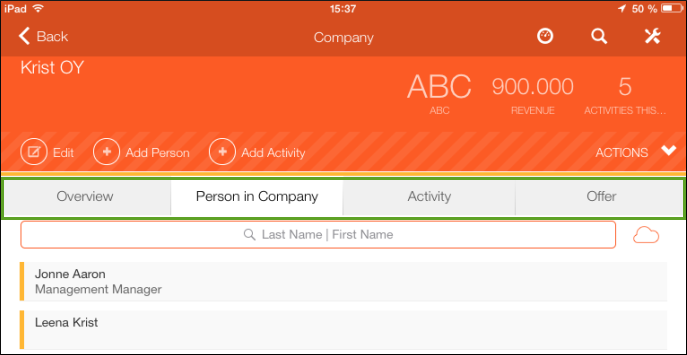
The user can tap on the desired tab to display the data.