Interests
Learn to store information on a person’s interests.
You can store information on a person’s interests (e.g. hobbies or whether they wish to receive certain newsletters). This information can be used for marketing campaigns. it may also useful when meeting business partners, to strike up a conversation.
Which interests are available is defined by your administrator.
To assign interests:
- Switch to the desired person.
- Expand the person tree and click on the Interests node.
- Click on
 (Interests) in the results list. A new page opens.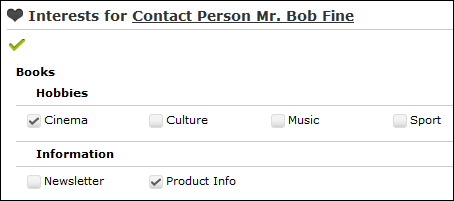
- Click on the small arrow to expand the interests tree. Enable the corresponding check boxes to assign interests to the account or contact person and click Save.