Adding Sales Groups
Sales groups allow you to organize your sales and support activities into various areas with different reps.
Sales groups can be defined automatically based on your territory management settings, or manually for companies or persons.
Note:
Sales groups that have been generated automatically are indicated as such using the Generated field. When applying updated territory management settings, only sales groups where the Generated field is enabled are updated. Sales groups added or edited manually are left unchanged.
To add a sales group:
- Switch to the desired company or person record.
- Switch to the Sales Group node and click on
 (New).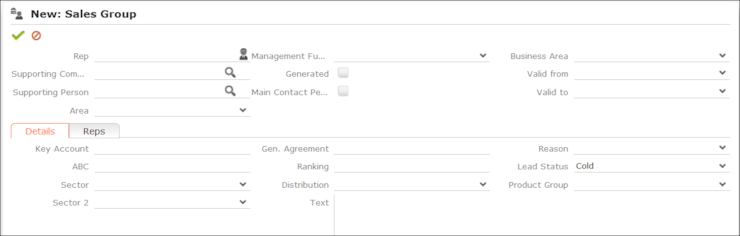
- Enter data such as the Rep, Business Area etc.
- Save the record.